Payment method via website
You actually can’t add funds and purchase items directly from website because we didn’t add that feature on our website for now because of registration issues but we try to solve them as soon as possible.
How to add funds in your account
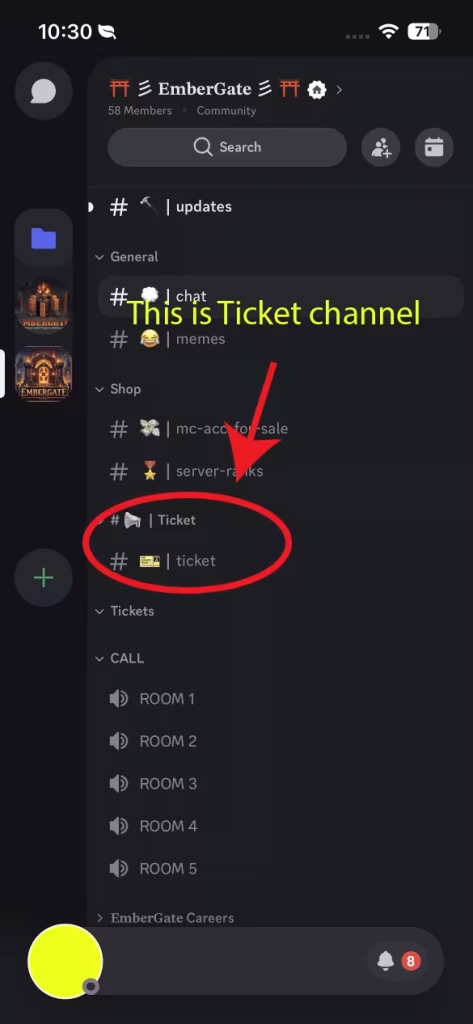
You just need to go on our discord and find ticket channel and create a ticket for adding funds to your account.
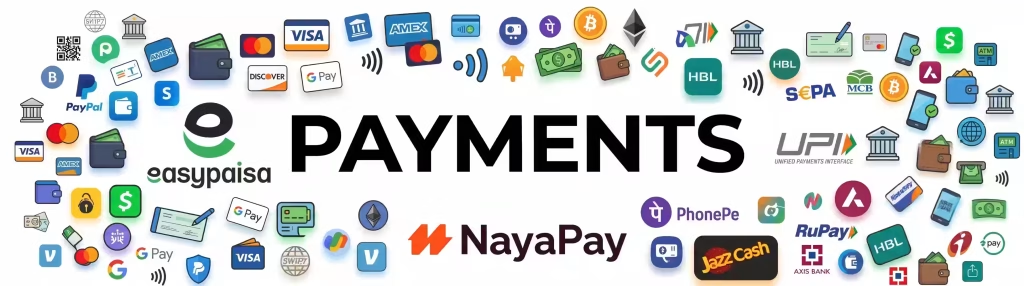
We can accept different type of payments including bitcoin, Ethereum, USDT via crypto and if you want to transfer funds from india, nepal or other asian country you have to use your own trusted currency exchange brokers or simply transfer your funds via crypto both of them tax you a little amount of money but as soon as possible we try to add payment gateways from there you can transfer your funds easily.
How to withdraw your cash
simply go to our discord and look for a options in tickets named “Add cash/withdraw” there you have to create a ticket and you can easily withdraw or transfer your funds.
How to find Ticket channel in discord
If you can’t find ticket channel you have to enable all channel in your settings. if you are new to discord then follow these steps to enable all channels.
For PC/Laptop users
Step 1:
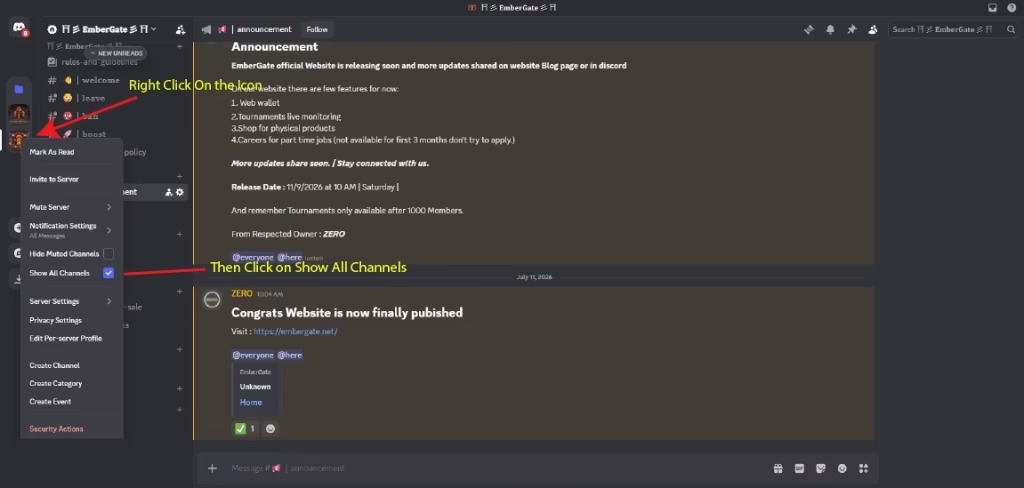
Open EmberGate Discord channel and then right click on server icon you can see option with text “Show all channels” enable/Check the option to see all channels.
For mobile users
step1 :
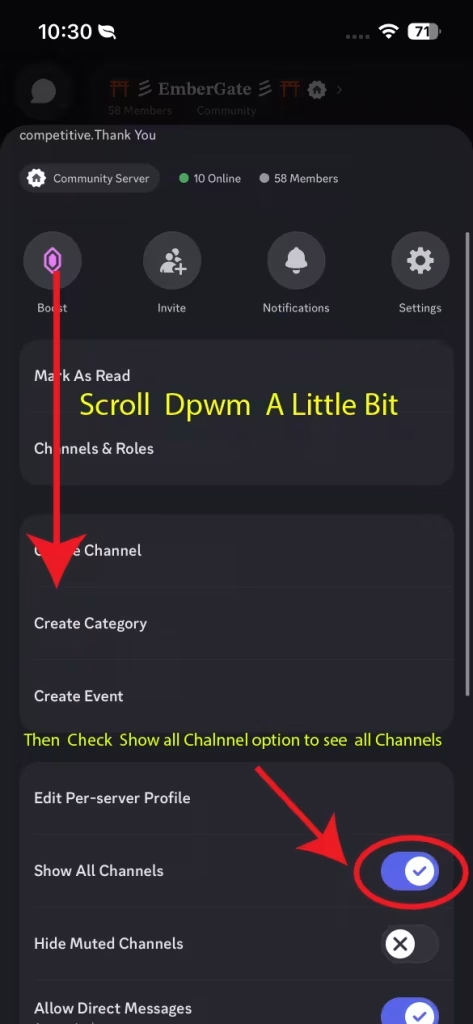
If you are on mobile you have to open discord server and hold your finger on server icon then you can see more option button tap on it.
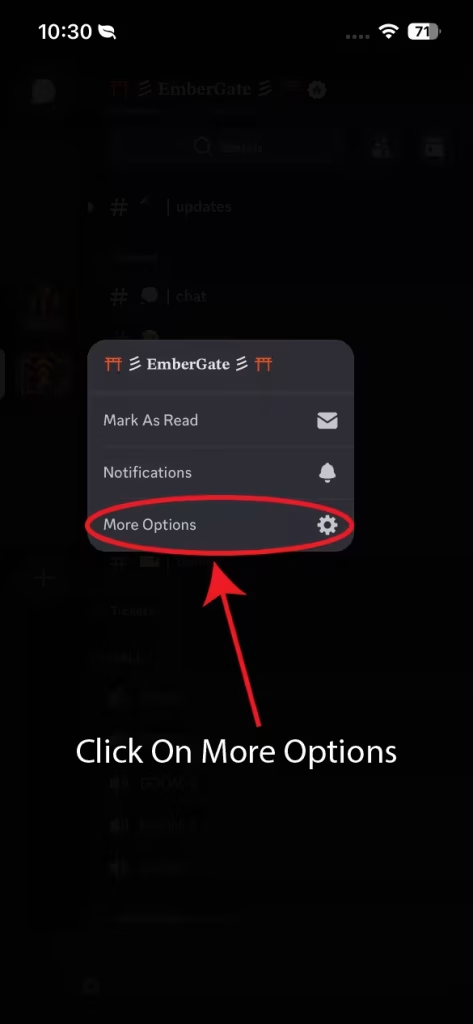
Step 2:
now you can see server options scroll down and you can see option for “Show all channels” turn it on to see all channels.